
See it in action
Screenshots in a box, any folder a tab away.
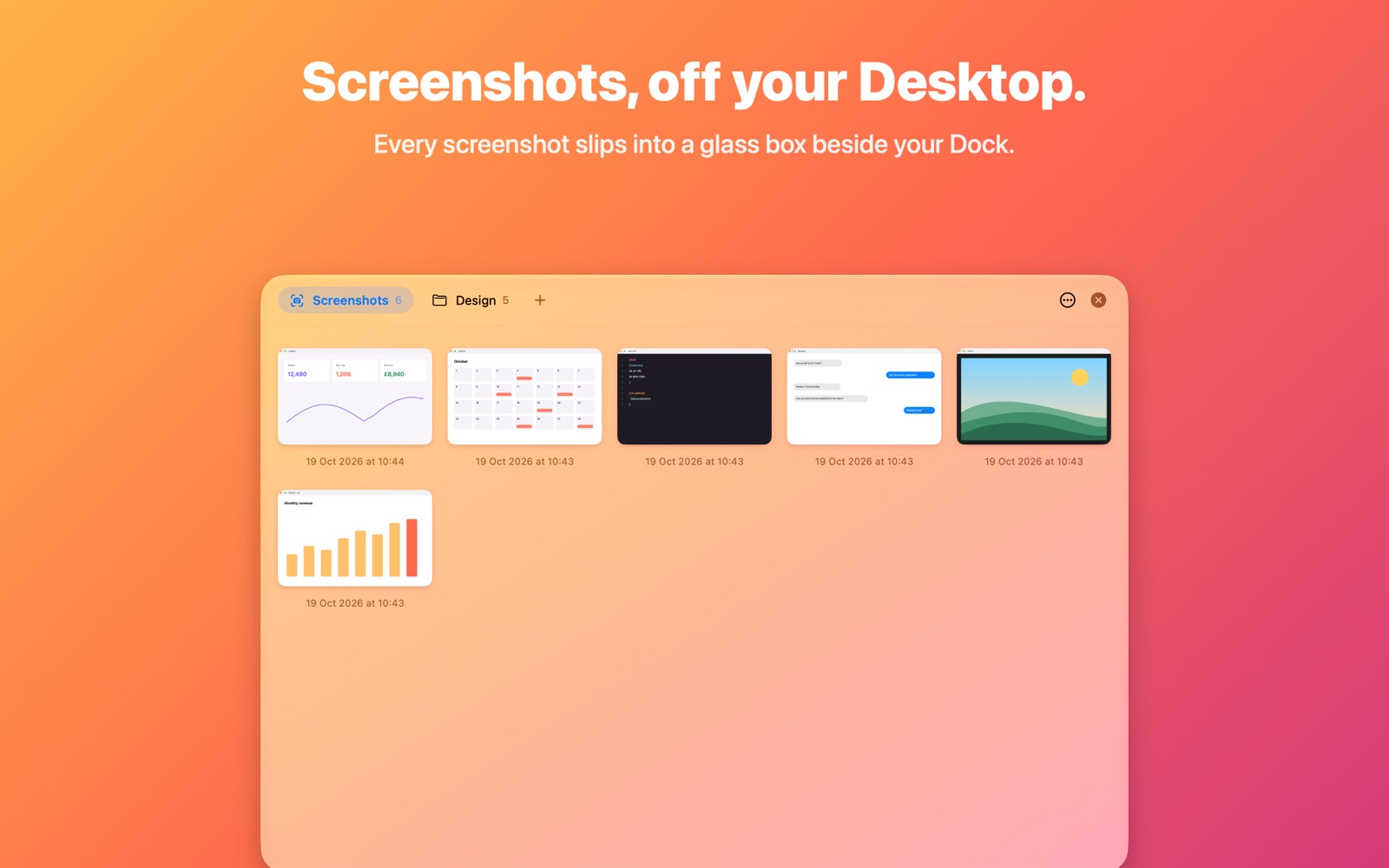

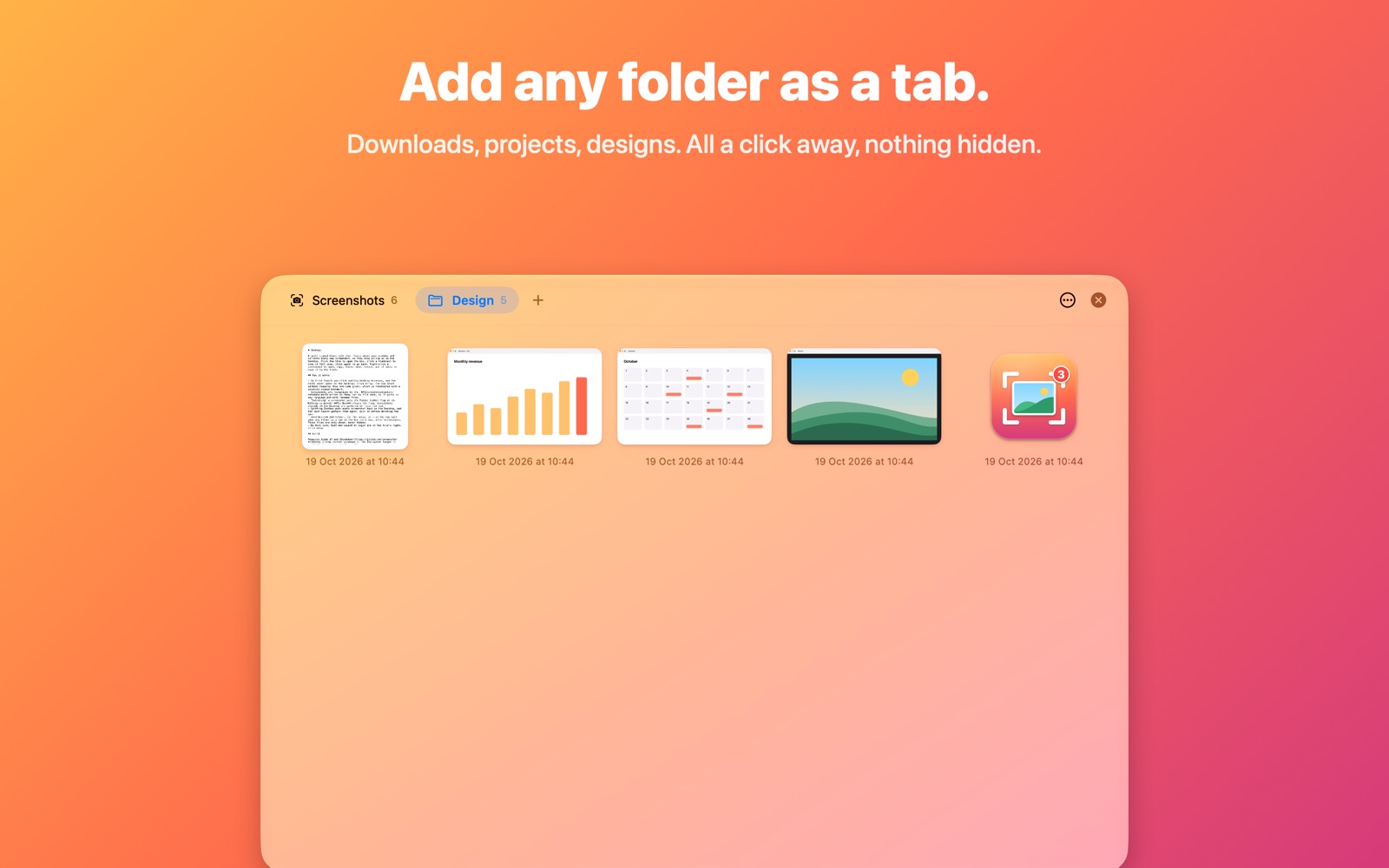
A tidy Desktop, without changing how you work
Keep pressing ⇧⌘3, ⇧⌘4 and ⇧⌘5. Shotbox catches the results.
Gathers every screenshot
New screenshots disappear from the Desktop and appear in the box, with a count on the tile.
Nothing moves, nothing leaves
Files are only hidden, never moved or uploaded. Quit Shotbox and they're all back on the Desktop.
See them all at once
A resizable glass window of thumbnails. Click one to see it full size, click again to go back.
Share, move, rename, trash
Right-click any screenshot, or ⌘-click to pick several and act on them together.
Up and running in a minute
No settings to fiddle with.
- Install Shotbox. A small glass tile appears beside your Dock, bottom-left.
- Click it, then Allow Desktop Access. macOS asks once.
- Take screenshots as usual. Drag the tile to the other corner if you prefer.
Like Shotbox?
It's made by one person in their spare time. If it keeps your Desktop tidy, a small tip helps keep it going.
Tip £1.99, or whatever you likeSecure checkout by Stripe. Apple Pay, Google Pay and cards.